Login & Licensing
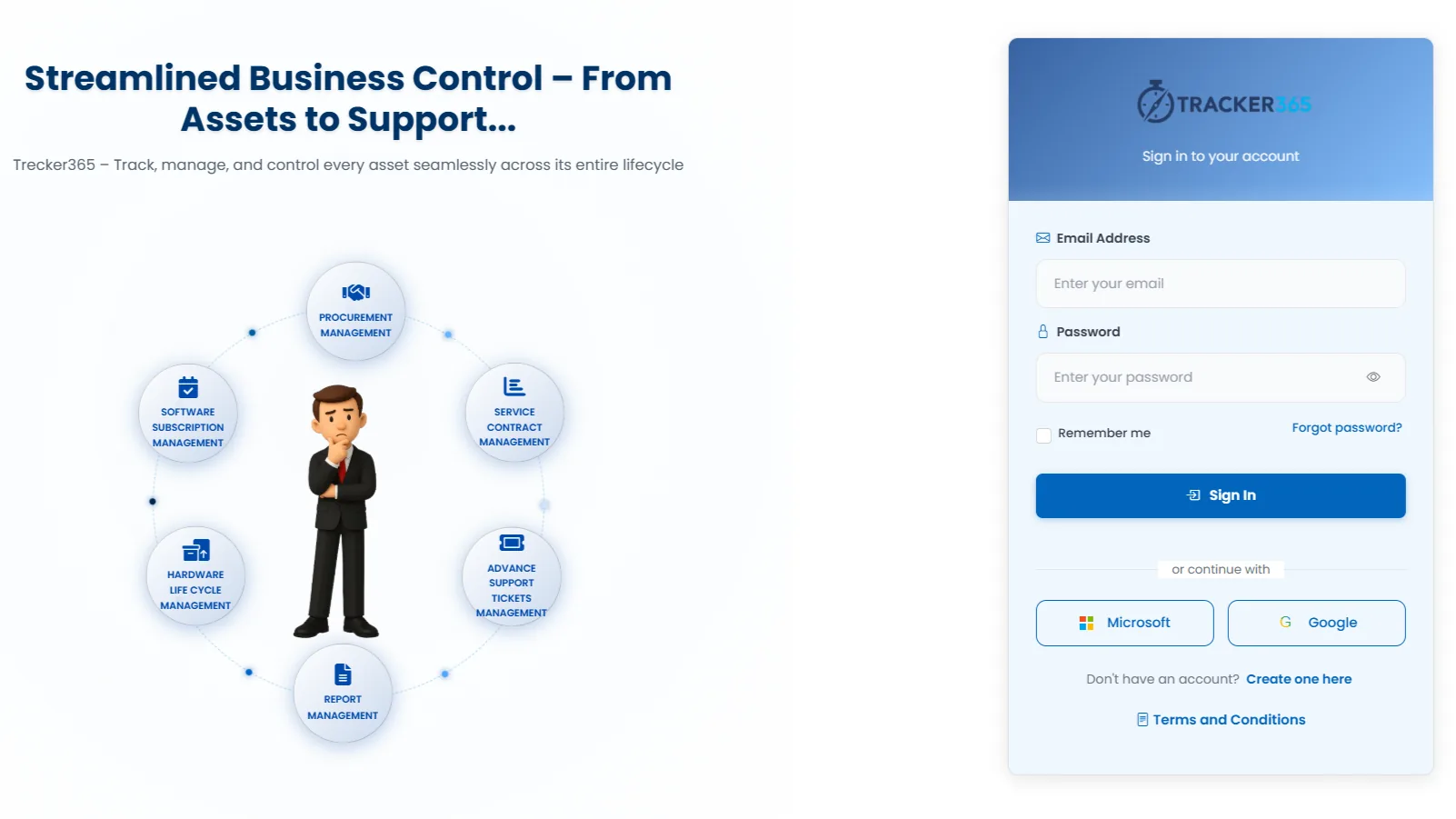
Tracker365 starts with secure access management including signup, login, password reset, terms acceptance, Microsoft or Google authentication, and license verification across deployments.
What it does: Authentication gateway with SSO, license checks, renewal APIs, and module-based branch-aware access.
Key capabilities
- User signup, login, logout, password change, and password reset flows.
- Terms acceptance before normal system usage.
- Microsoft and Google authentication entry points for connected organizations.
- License verification, renewal, health checks, and trial-related APIs.
- Module-based access with branch-aware visibility for assigned users.
How to use
- 1 Open the Tracker365 login page.
- 2 Sign in with email/password or choose Microsoft/Google SSO.
- 3 Accept terms and conditions on first use if prompted.
- 4 Complete license verification on first deployment login.
- 5 Reset password via the forgot-password flow when needed.
- 6 After login, users only see modules allowed by their role and branch.