Procurement
Tracker365 includes procurement support for comparing vendor quotations and moving selected deals toward purchase, including scrap-oriented and sale processing workflows.
What it does: End-to-end procurement workspace for deal creation, vendor comparison, quotation emails, and purchase handoff.
Key capabilities
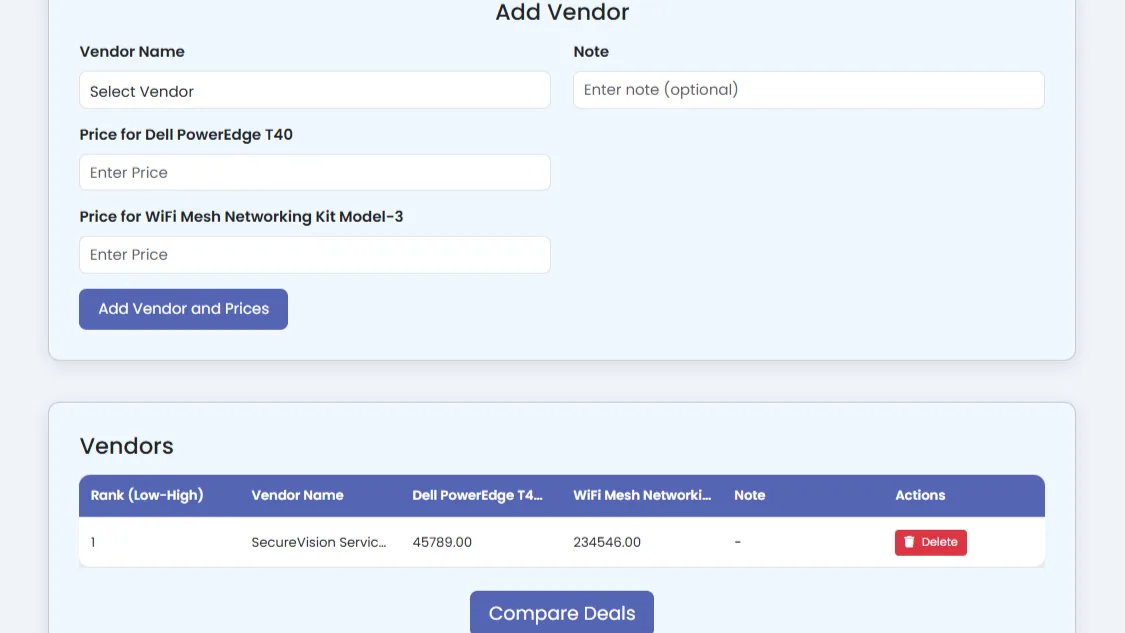
- Create procurement deals and inspect detailed vendor comparisons.
- Send new and last-quotation emails to vendors.
- Compare deals and generate compare-deal PDF outputs.
- Collect vendor price submissions through tokenized submission links.
- Send chosen deals to the purchase department.
- Manage sale products and process sales.
- Create, edit, delete, and compare scrap items and scrap deals.
How to use
- 1 Open Procurement and view the deal list.
- 2 Click Create New Deal and add required products or services.
- 3 Invite vendors and send quotation request emails.
- 4 Review vendor submissions and use Compare Deals to evaluate options.
- 5 Generate a compare-deal PDF for internal approval if needed.
- 6 Send the selected deal to the purchase department to proceed.