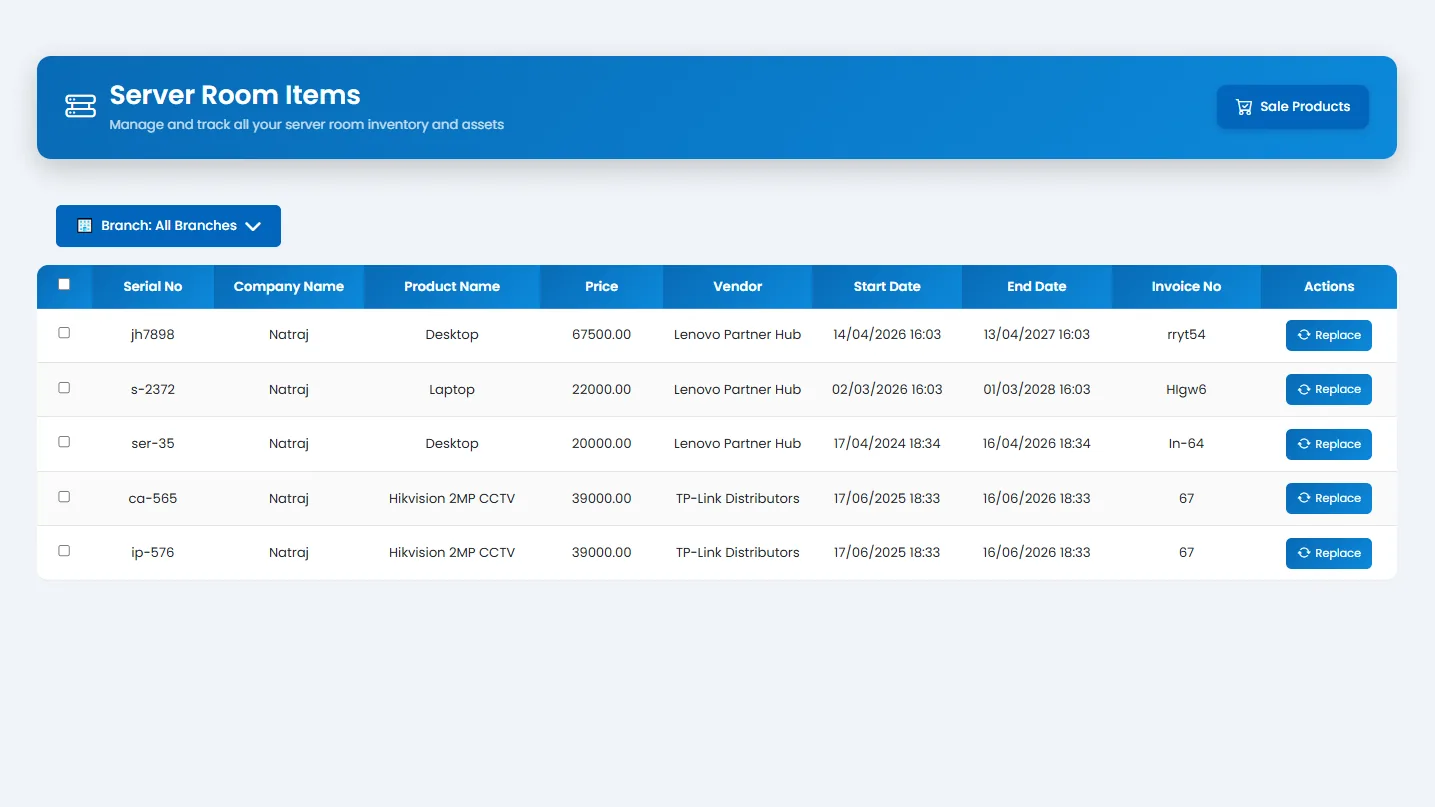
Server Room
Tracker365 supports transferring subscriptions or hardware to server rooms, replacing items while keeping operational continuity, and maintaining infrastructure inventory separate from user-assigned assets.
What it does: Server room inventory for racks, infrastructure hardware, transfers, and replacement workflows.
Key capabilities
- Transfer subscriptions or hardware to server rooms.
- Replace server room items while keeping operational continuity.
- Manage branch floors and rooms for precise asset location tracking.
- Network topology and infrastructure visibility integration.
- Server connection, server info, and server alert resolution workflows.
How to use
- 1 Go to Server Room from the sidebar.
- 2 Select the branch and room or rack location.
- 3 Add or transfer hardware into the server room inventory.
- 4 Record replacements when swapping failed components.
- 5 Review current rack contents and linked asset details.
- 6 Resolve server alerts or connection issues from linked monitoring views.